Video Embedding Clustering with Feluda
This notebook demonstrates how to use the feluda to extract video embeddings and cluster them into N clusters or auto clusters. It includes:
Setting up Feluda and its operators.
Using video data from a subset of the UCF101 video dataset dataset. We are using this for demo, but can be replaced with any video dataset.
Generating video embeddings using feluda CLIP video operator.
Using Feluda’s clustering operator to cluster vidoes.
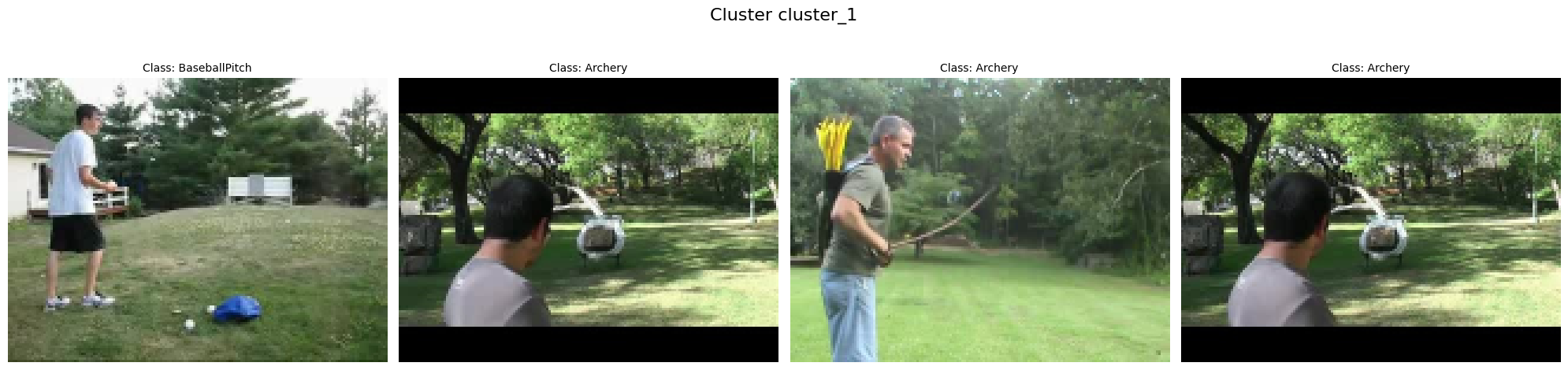
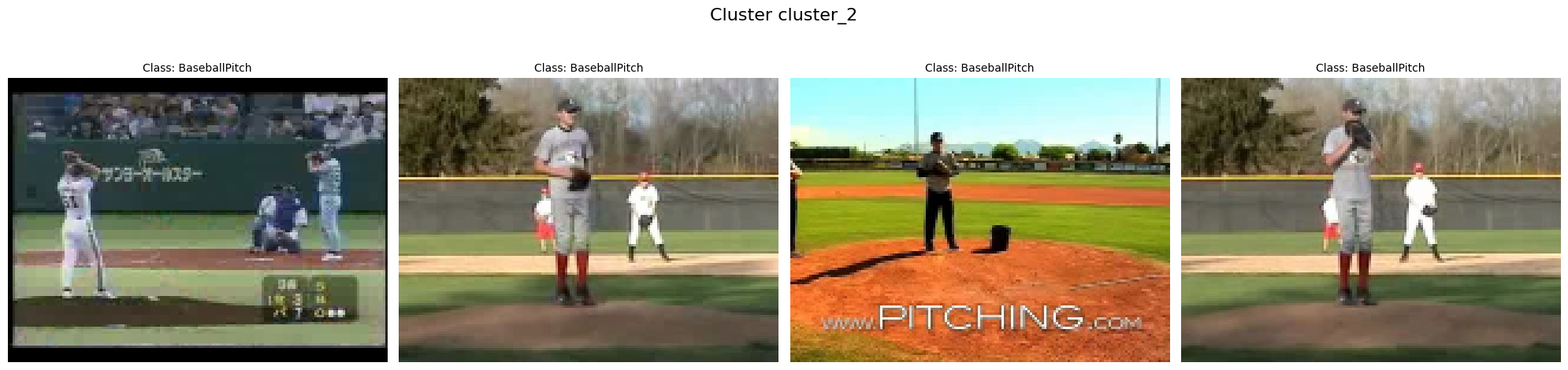
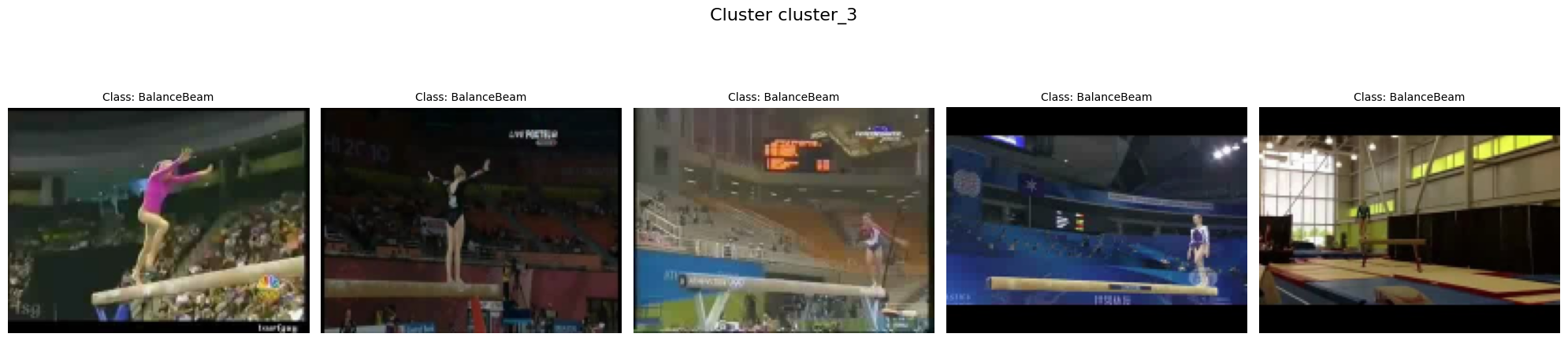
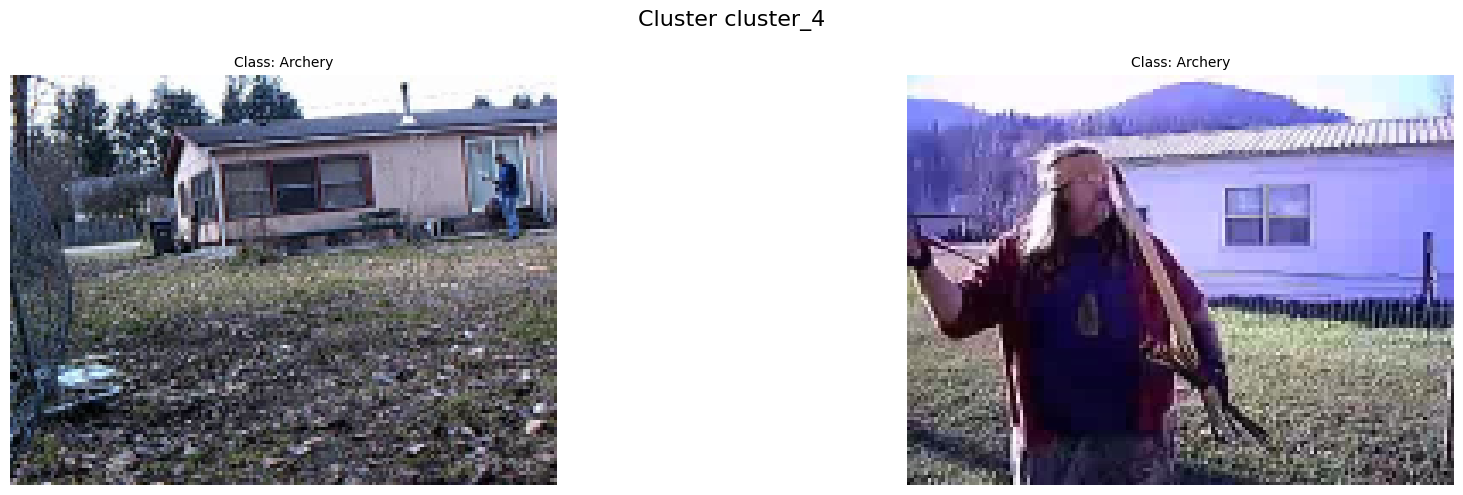
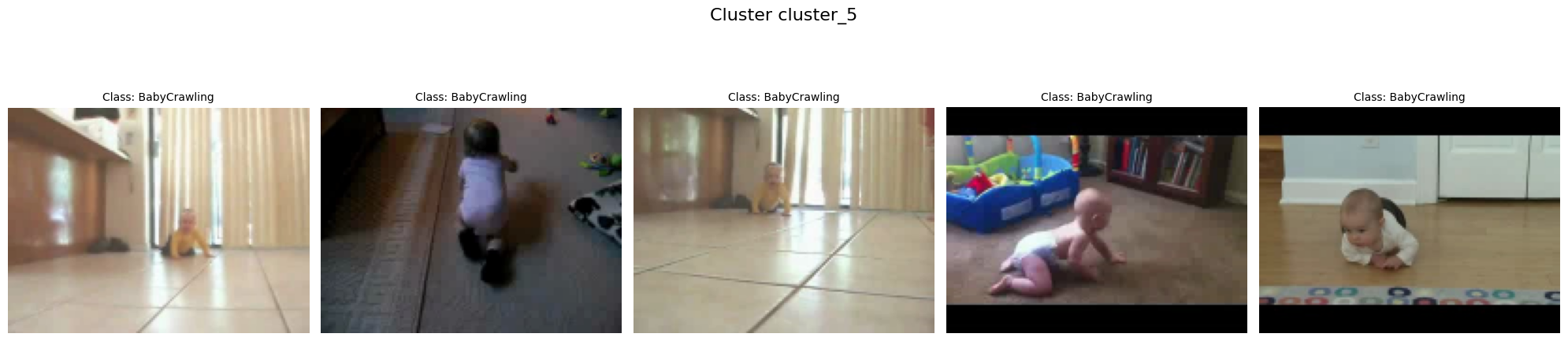
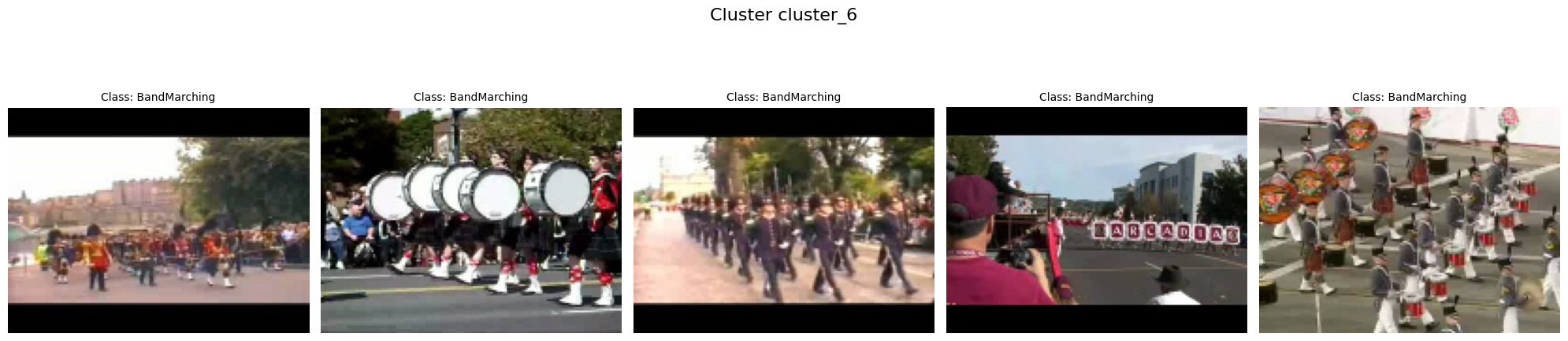
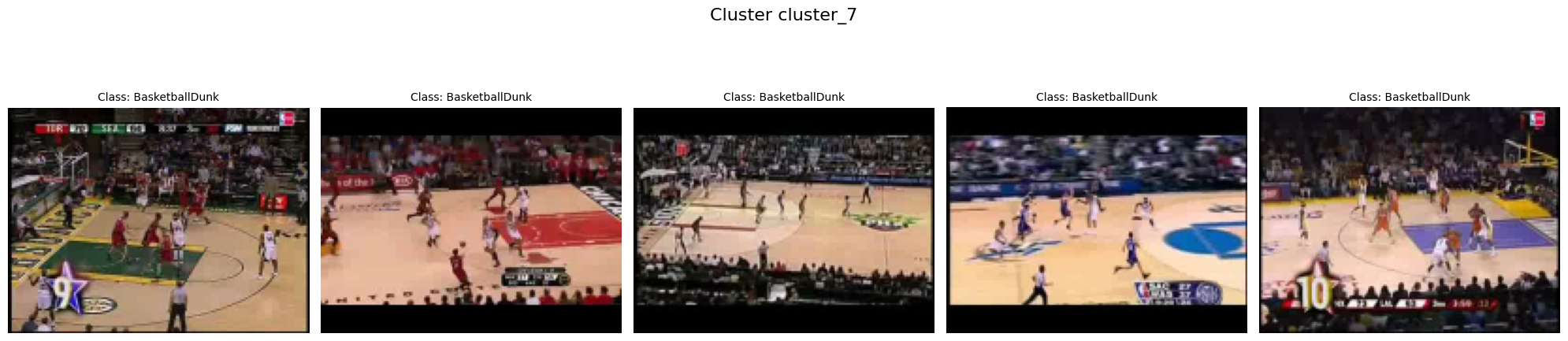
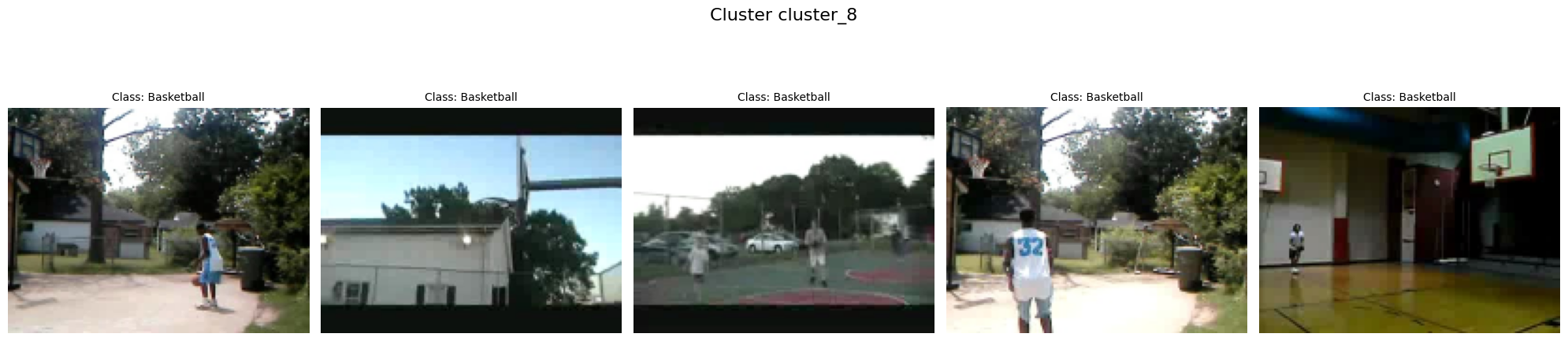
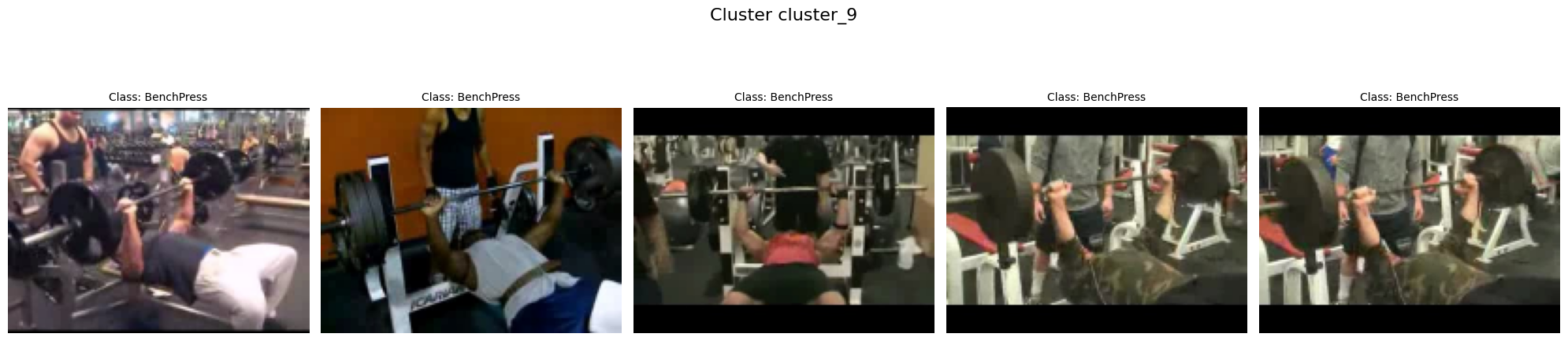
Visualizing the clusters with video thumbnails.


Install dependencies conditionally based on whether the notebook is running in Colab or locally.
%%time
import sys

IN_COLAB = "google.colab" in sys.modules
print("Running Notebook in Google Colab" if IN_COLAB else "Running Notebook locally")

if IN_COLAB:
    # Since Google Colab has preinstalled libraries like tensorflow and numba, we create a folder called feluda_custom_venv and isolate the environment there.
    # This is done to avoid any conflicts with the preinstalled libraries.
    %pip install uv
    !mkdir -p /content/feluda_custom_venv
    !uv pip install --target=/content/feluda_custom_venv --prerelease allow feluda feluda-vid-vec-rep-clip feluda-cluster-embeddings opencv-python matplotlib > /dev/null 2>&1

    sys.path.insert(0, "/content/feluda_custom_venv")
else:
    !uv pip install feluda feluda-vid-vec-rep-clip feluda-cluster-embeddings opencv-python matplotlib > /dev/null 2>&1
Running Notebook locally
Using Python 3.10.12 environment at: /home/aatman/Aatman/Tattle/feluda/.venv
Audited 6 packages in 11ms
CPU times: user 6.38 ms, sys: 4.13 ms, total: 10.5 ms
Wall time: 138 ms
import os
import tarfile
from pathlib import Path

import cv2
import matplotlib.pyplot as plt
from huggingface_hub import hf_hub_download
from tqdm.notebook import tqdm

from feluda.factory import VideoFactory
We’ll use two operators for this example. One for extracting embeddings and other for clustering.
from feluda.operators import ClusterEmbeddings, VidVecRep

cluster_operator = ClusterEmbeddings()
vid_vec_clip_operator = VidVecRep()
Data Preparation
dataset_name = "UCF101_subset/train"
hf_dataset_identifier = "sayakpaul/ucf101-subset"
filename = "UCF101_subset.tar.gz"

# Download and extract the UCF101 subset dataset
print("Downloading and extracting dataset...")
file_path = hf_hub_download(
    repo_id=hf_dataset_identifier, filename=filename, repo_type="dataset"
)

with tarfile.open(file_path) as t:
    t.extractall(".")
print(f"Dataset extracted to {dataset_name}")
Downloading and extracting dataset...
Dataset extracted to UCF101_subset/train
/var/folders/4p/bw6h5x8x1nb_17vsgfc12dz00000gn/T/ipykernel_40587/954250746.py:12: DeprecationWarning: Python 3.14 will, by default, filter extracted tar archives and reject files or modify their metadata. Use the filter argument to control this behavior.
  t.extractall(".")
# Create thumbnails directory
thumbnail_dir = Path("thumbnails")
thumbnail_dir.mkdir(exist_ok=True)
def get_video_thumbnail(video_path: str, save_path: str) -> str | None:
    """Extract and save the first frame from the video as a thumbnail.

    Args:
        video_path: Path to the video file
        save_path: Directory to save the thumbnail

    Returns:
        Path to the saved thumbnail or None if extraction failed

    """
    cap = cv2.VideoCapture(video_path)
    ret, frame = cap.read()  # Read the first frame

    if ret:
        thumbnail_path = os.path.join(
            save_path, os.path.basename(video_path).replace(".avi", "_thumbnail.jpg")
        )
        cv2.imwrite(thumbnail_path, frame)  # Save the thumbnail as a JPEG
        cap.release()
        return thumbnail_path  # Return the path to the saved thumbnail

    cap.release()
    return None
Video Processing and Embedding Extraction
print("Processing videos and extracting embeddings...")
operator_parameters = []
sub_folder_name = os.listdir(f"{dataset_name}")

# Process videos from each class directory
for class_dir in tqdm(sub_folder_name, desc="Processing classes"):
    temp_list = os.listdir(os.path.join(dataset_name, class_dir))

    # Process up to 5 videos per class
    video_count = 0
    for video_file in temp_list:
        if video_file == "UCF101" or video_count >= 5:
            continue

        video_full_path = os.path.join(dataset_name, class_dir, video_file)

        try:
            # Extract and save the video thumbnail
            thumbnail_path = get_video_thumbnail(video_full_path, thumbnail_dir)

            # Process video and extract embedding
            video = VideoFactory.make_from_file_on_disk(video_full_path)
            embedding = vid_vec_clip_operator.run(video)
            average_vector = next(embedding)

            # Store video path and embedding
            operator_parameters.append(
                {
                    "payload": video_full_path,
                    "embedding": average_vector.get("vid_vec"),
                    "class": class_dir,  # Store class name for later analysis
                }
            )

            video_count += 1
        except Exception as e:
            print(f"Error processing {video_full_path}: {e}")
            continue

print(f"Successfully processed {len(operator_parameters)} videos")
Processing videos and extracting embeddings...
Successfully processed 50 videos
Clustering Videos
# Apply clustering to the video embeddings
print("Clustering video embeddings...")
n_clusters = 10  # Number of clusters to create
clusters = cluster_operator.run(
    operator_parameters, n_clusters=n_clusters, modality="video"
)

# Sort clusters by label for consistent display
clusters = {key: clusters[key] for key in sorted(clusters)}
Clustering video embeddings...
Visualizing Clusters
# Function to load thumbnails
def load_thumbnail(payload):
    """Load the thumbnail from the pre-saved thumbnail folder.

    Args:
        payload: Path to the video file

    Returns:
        Loaded thumbnail image or None if not found

    """
    video_filename = os.path.basename(payload)
    thumbnail_filename = video_filename.replace(".avi", "_thumbnail.jpg")
    thumbnail_path = os.path.join(thumbnail_dir, thumbnail_filename)

    if os.path.exists(thumbnail_path):
        return cv2.imread(thumbnail_path)
    print(f"Thumbnail not found for {video_filename}")
    return None
for cluster_label, video_paths in clusters.items():
    num_videos = len(video_paths)

    # Create a subplot for each video in the cluster
    fig, axes = plt.subplots(1, max(1, num_videos), figsize=(20, 5))

    # Handle case where there's only one video in a cluster
    if num_videos == 1:
        axes = [axes]

    # Plot thumbnails
    for i, video_path in enumerate(video_paths):
        # Extract class name from path for display
        class_name = os.path.basename(os.path.dirname(video_path))

        video_thumbnail = load_thumbnail(video_path)
        if video_thumbnail is not None:
            # Resize and convert color format
            video_thumbnail = cv2.cvtColor(
                cv2.resize(video_thumbnail, (160, 120)), cv2.COLOR_BGR2RGB
            )

            # Display thumbnail
            axes[i].imshow(video_thumbnail)
            axes[i].set_title(f"Class: {class_name}", fontsize=10)
            axes[i].axis("off")

    # Set overall title for the cluster
    plt.suptitle(f"Cluster {cluster_label}", fontsize=16)
    plt.tight_layout()
    plt.subplots_adjust(top=0.85)
    plt.show()

import shutil

# Remove thumbnail directory
if os.path.exists(thumbnail_dir):
    shutil.rmtree(thumbnail_dir)
    print(f"Removed {thumbnail_dir}")

# Remove dataset directory
if os.path.exists("UCF101_subset"):
    shutil.rmtree("UCF101_subset")
    print("Removed UCF101_subset")

# Remove downloaded dataset file
if os.path.exists(file_path):
    os.remove(file_path)
    print("Removed dataset")


cluster_operator.cleanup()
vid_vec_clip_operator.cleanup()
Removed thumbnails
Removed UCF101_subset
Removed dataset